Technical Documentation
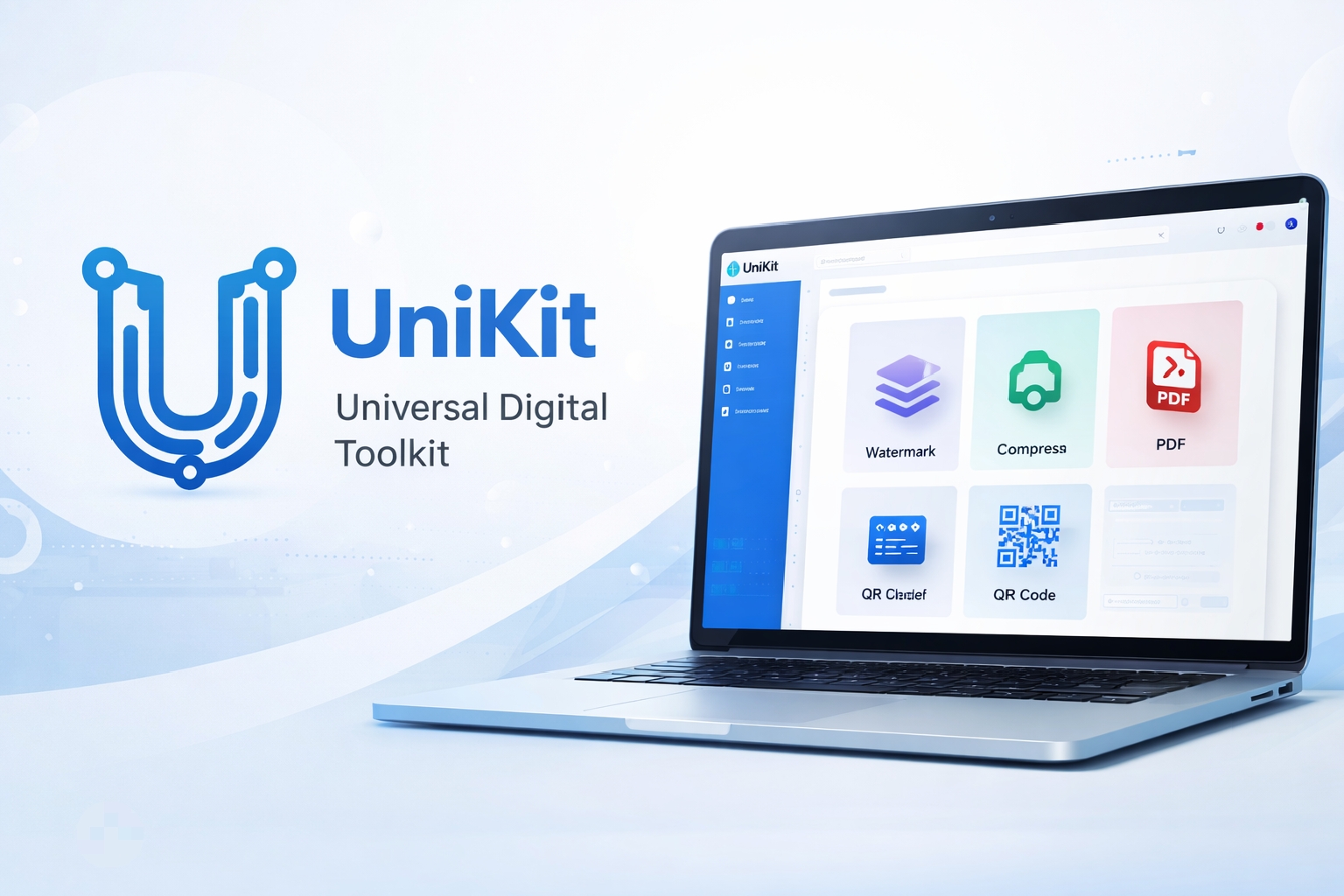
Welcome to the UniKit Support Center. We believe in transparency. Below you will find detailed explanations of how our technology works, how to troubleshoot common issues, and how to get the most out of our client-side tools.
Core Technology: WebAssembly (Wasm)
Unlike traditional web tools that require you to upload your files to a remote cloud server for processing (PHP/Python/Node.js), UniKit utilizes WebAssembly. We compile powerful libraries like `pdf-lib` and `ffmpeg` directly into the browser. This allows your specific device (laptop, tablet, phone) to act as the server. The data processing happens in your device's RAM, ensuring zero latency and absolute privacy.
Security & Privacy
Yes. Because there is no "upload" process, your documents never traverse the public internet. They remain within the "sandbox" of your web browser. Even if our website went offline while you were using it, the tool would continue to function because the logic is loaded locally. This makes UniKit compliant with strict data privacy standards for personal and business use.
When using our "Protect PDF" tool, we use standard AES-256 encryption. If you lose the password you set, we cannot recover it for you because we never knew it in the first place. Please store your passwords securely.
Troubleshooting Common Errors
This error occurs when your browser is holding onto an older, cached version of our JavaScript libraries. We frequently update our codebase to support new file formats. To fix this:
1. Windows: Press `Ctrl + F5` to force a hard refresh.
2. Mac: Press `Cmd + Shift + R`.
3. Mobile: Clear your browsing data for unikit.online in your settings.
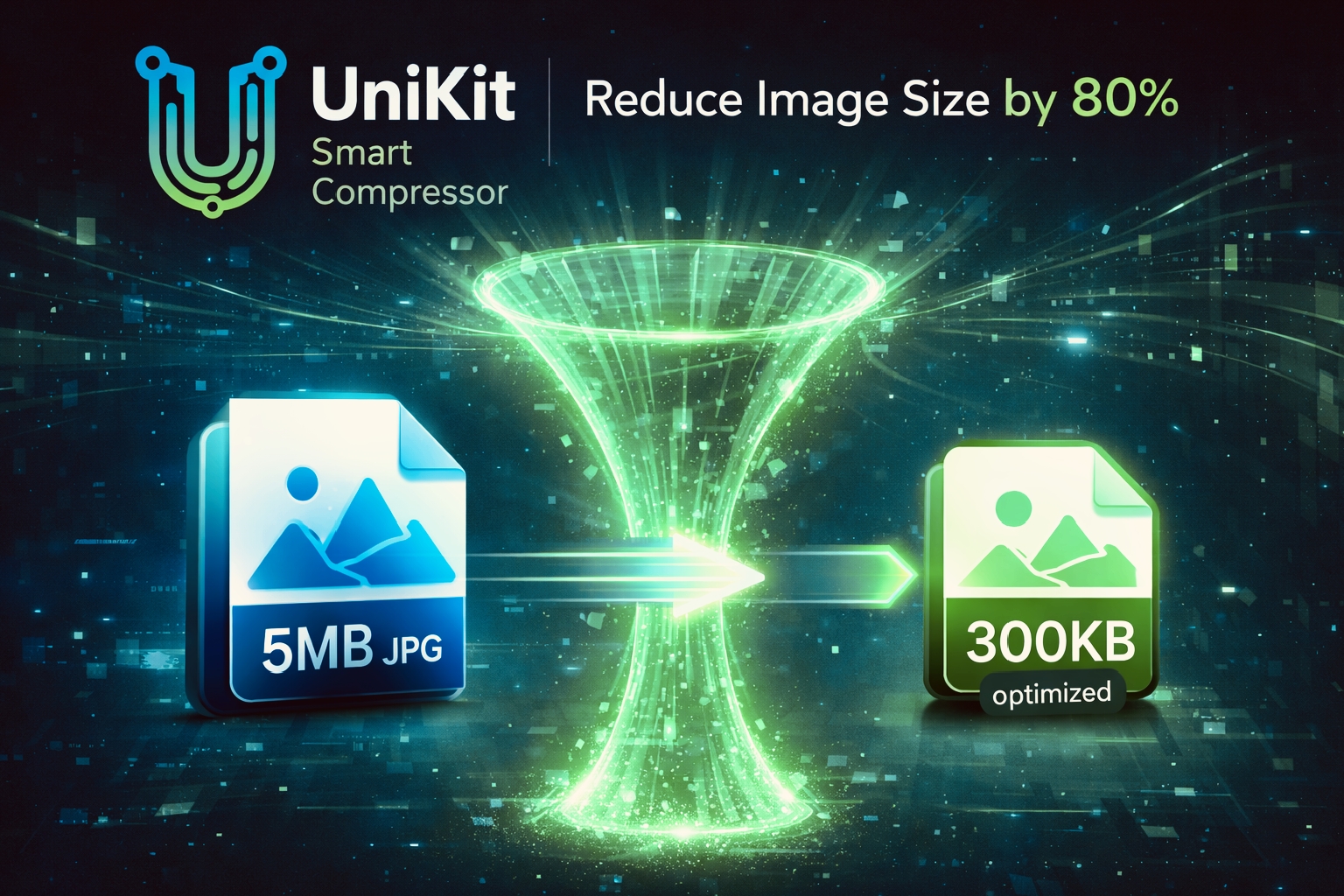
Image compression is a mathematically intensive task. On a desktop computer, this happens instantly. On a mobile device, the processor (CPU) throttles performance to save battery life. If you are compressing high-resolution photos (e.g., 12MP or 4K), it may take 2-5 seconds per image. This is a deliberate trade-off: we sacrifice a little speed to ensure your photos are never sent to a third-party server.
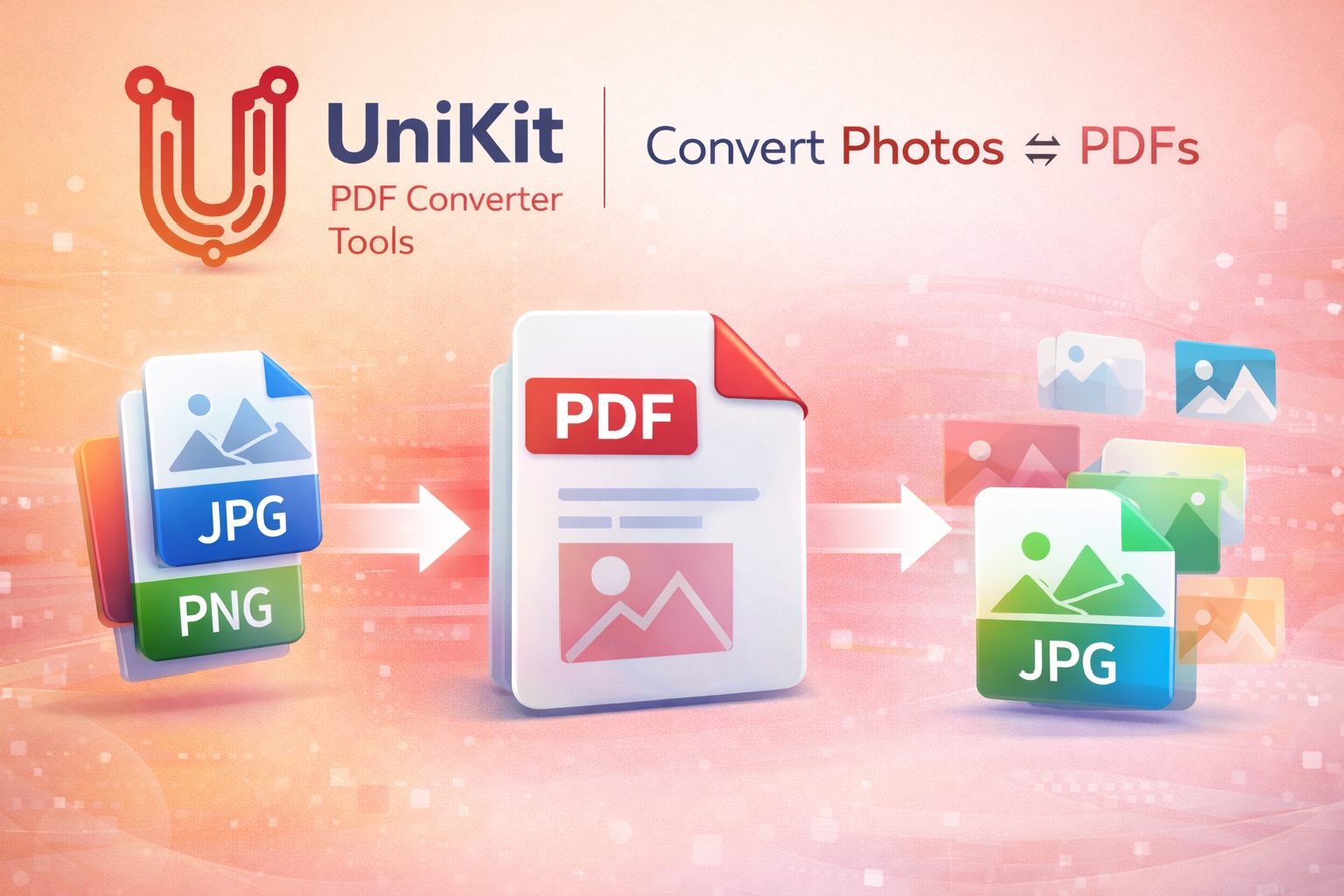
Currently, UniKit supports the following formats:
- Images: JPG, JPEG, PNG, WEBP, BMP, AVIF, ICO.
- Documents: PDF (Standard v1.4 to v1.7).
We are working on adding support for SVG vector files and TIFF formats in the Q3 roadmap.
Contact Us
Found a bug? Have a feature request? Our development team reviews every message.
Or email us directly at
support@unikit.online